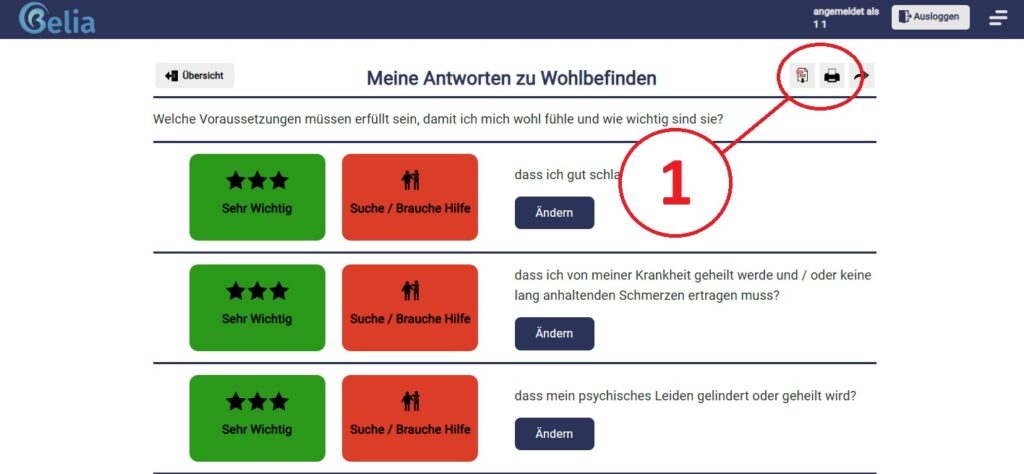
Print or save as a PDF, there are 2 options. The simpler option is it, this directly in the Category (1) to do. Do you want to Answers print out the category, you can do this in the responses. The same for the Offers. Here, it is always what is directly available that gets printed out.
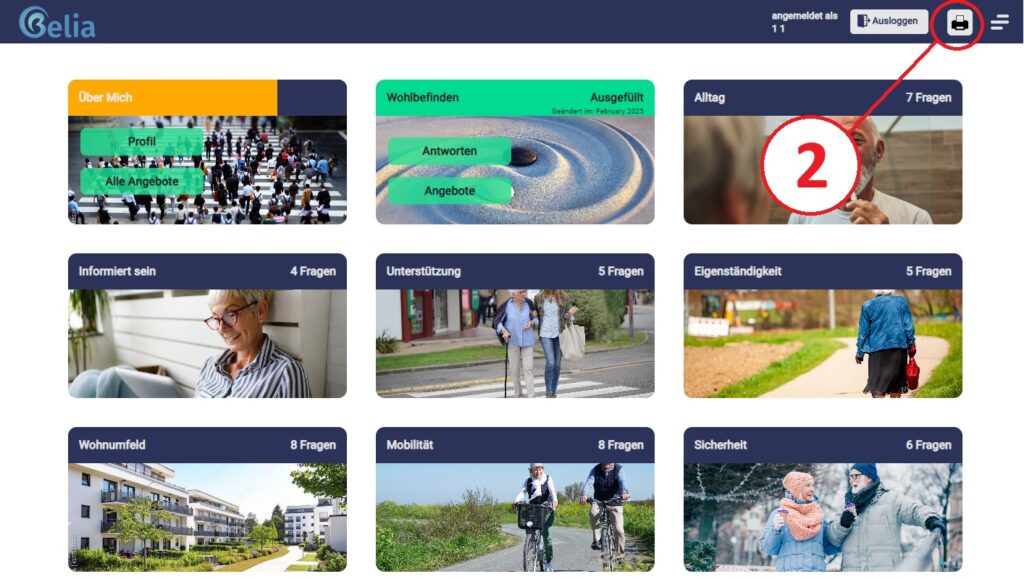
The second option do you find in the Dashboard (2). By clicking on the print icon, various options open up to you:
You can under what needs to be printed? choose whether you would like the questionnaire filled out or blank.
Under more options can you print quotes only in relation to one or more filters?.
Furthermore, you have the option to whole questionnaire or under choose yourself to select the entire questionnaire, or specific categories and keywords.
This option is handy if you want to print the questionnaire empty or only very specific offers.