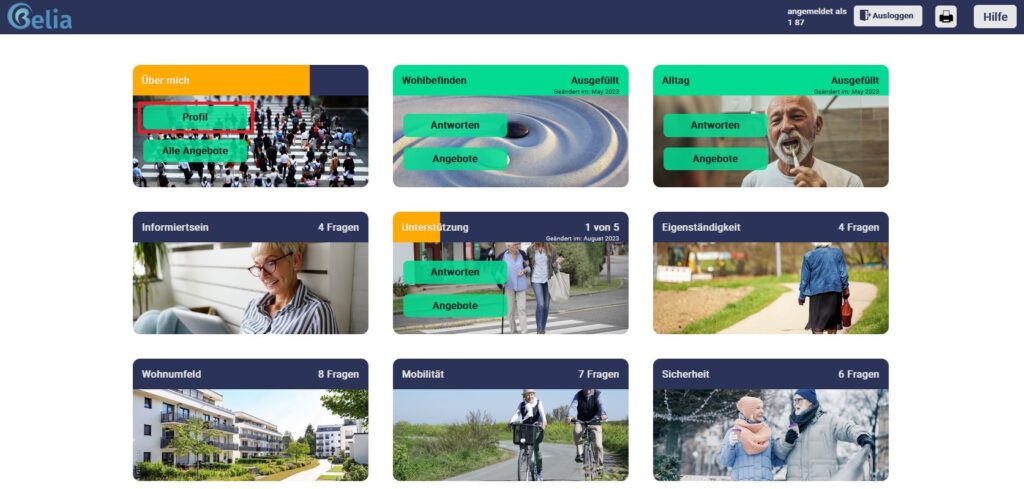
The first topic block on the top left is your profile. By clicking on this topic block, you can edit your profile. Please remember to save your information; click “Save” at the end of the form to do this.
If you cannot see the „About me“ section, please scroll right to the top, to the very beginning of the page.