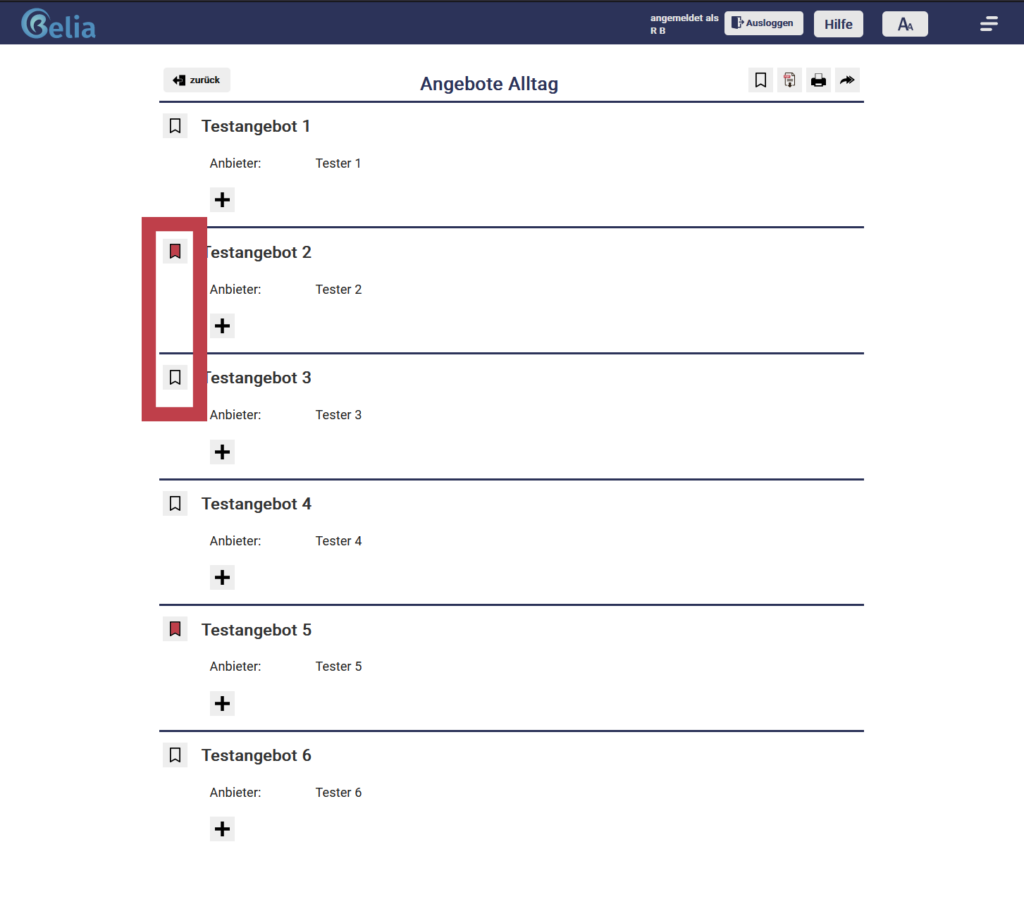
You can mark the offers you prefer as a “Favourite”. After that, you will always find your favourited offers arranged right at the top. Here, you also have the option to download, print or forward the offer.
The upper offer in the red-bordered box is marked as a favourite, while the lower offer has the bookmark icon disabled, meaning it is not one of the favourites.